Skip to content
Table of Contents
Use discount code:
[ BRIAN FRANCIS ]
For A Limited Period: (March 4th 2025)
A Special Photo Editing Software Discount Offer on Skylum Software.

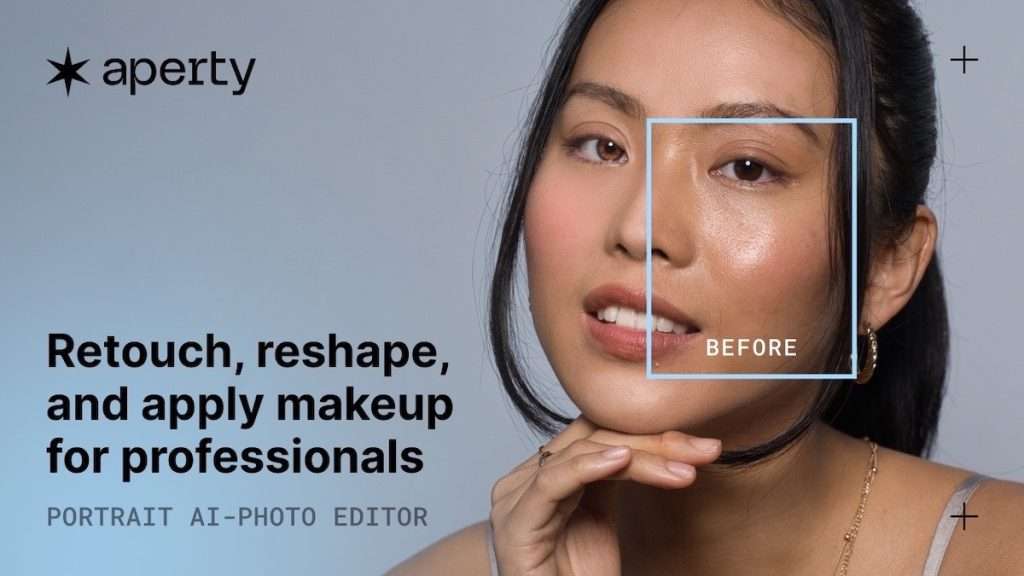
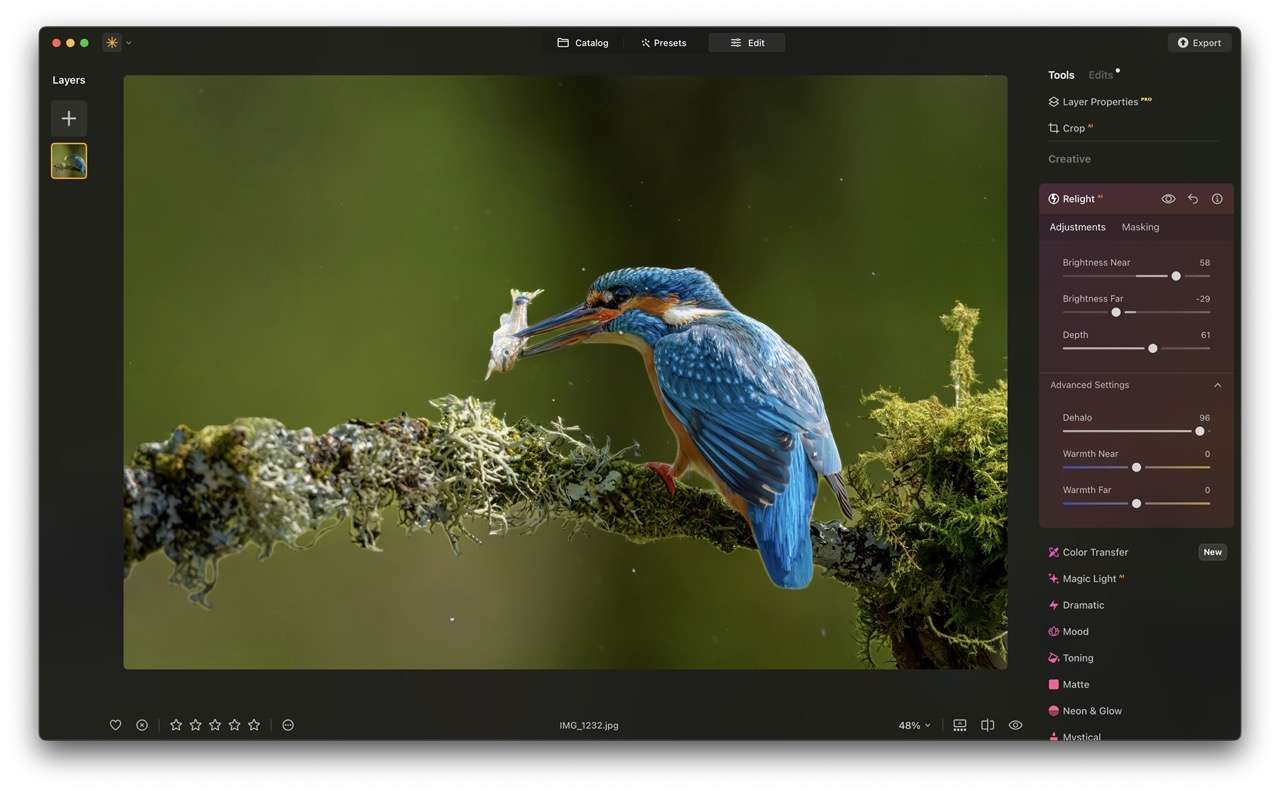
Photo Editing Software Discount: Huge 75% Discount on Luminar Neo Photo Editing.
Settling for free photo editing software is no way to run a photography business—it limits your creative potential and risks leaving clients underwhelmed. Yet finding affordable, professional-grade tools that keep up with today’s fast-paced demands. Well, that’s even harder.
That’s why missing this opportunity to upgrade may leave you behind. For a limited time, Skylum’s powerhouse editor Luminar Neo is available at a staggering 75% off—a rare chance to access AI-driven precision without the premium price tag.
Why let outdated tools hold you back? Missing this opportunity may be holding you back from delivering standout work, scaling your workflow, and staying ahead in a competitive market.

Photo Editing Kit
Aperty
Platform: Windows, macOS (standalone or plugin)
Focus: AI-powered portrait retouching for professionals.
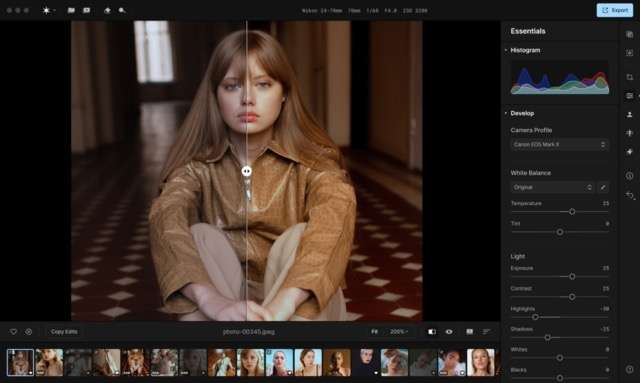
Key Features: Offline Functionality: Edit without internet access, ensuring privacy and security .
Use Case: Tailored for portrait photographers needing efficient, high-quality retouching. Offers presets and collaboration tools .
Automated Retouching: Wrinkle removal, skin smoothing, lip enhancement, and blemish correction .
Batch Editing: Apply consistent adjustments across multiple photos, saving time in workflows .
Natural Results: AI preserves texture while enhancing features, avoiding an over-processed look .
Aperty works as a plugin for Adobe® PhotoShop and LightRoom (soon it will also be available on Luminar Neo).
Photo Editng Software Discount 1
Aperty Special Offer:
50% discount
Promo Period:April, 2025
1-Year Subscription: $99
Lifetime License: $199
PROMO CODE: BRIAN FRANCIS
Luminar Neo
Platform: Windows, macOS (standalone or plugin for Photoshop/Lightroom)
Focus: AI-driven photo editing for versatile workflows.
Key Features: Performance: Optimized for speed, though some operations may lag compared to competitors like Adobe .
Use Case: Ideal for photographers seeking AI-enhanced editing with professional-grade flexibility. Subscription or lifetime licenses available .
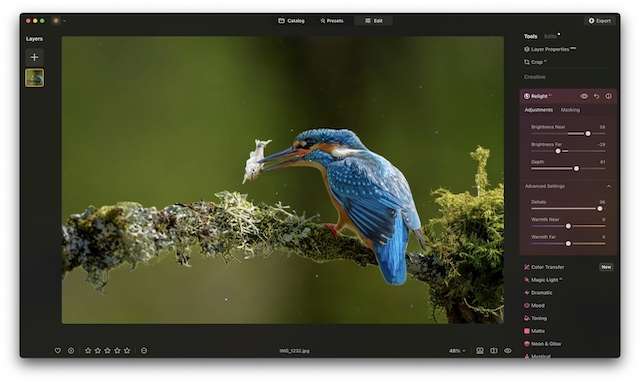
AI Tools: Sky replacement (Sky AI), object removal (GenErase), relighting (Relight AI), noise reduction (Noiseless AI), and upscaling (Upscale AI) .
Advanced Editing: Layer support, masking, batch processing, and RAW file compatibility .
Generative AI: Tools like GenExpand and GenSwap for context-aware edits .
Photo Editng Software Discount 2
Luminar Neo 1 year subscription + free 100 creative add-ons + free Neo video course worth $79 (75% off): $69
Luminar Neo lifetime + free 100 creative add-ons + free Neo video course worth $79 (75% off): $119
Upgrade Pass for existing users: $29.99
PROMO CODE: BRIAN FRANCIS
Luminar’s next update comes with some new tools to help you edit your photos even better. A small hint of what’s included is auto-development to develop your RAWs automatically. More information to come in the coming weeks!
Luminar Mobile
Platform: iOS, iPadOS, Vision Pro (requires iOS/iPadOS 17+)
Focus: On-the-go AI editing for Apple devices.

Key Features: Mobile editing and sharing
Limitations: Some advanced tools (e.g., Sky AI) unavailable on older iPads like the 6th generation .
Use Case: Perfect for mobile photographers wanting professional edits with minimal effort. Subscription or lifetime purchase options .
AI Enhancements: Sky replacement (Sky AI), portrait retouching (Skin AI, Body AI), and exposure correction (Relight AI) .
RAW Editing: Supports RAW files for advanced adjustments, including white balance and exposure .
Device Integration: Optimized for iPad with Apple Pencil and Vision Pro’s immersive interface .
Photo Editng Software Discount 3
Lifetime License: $59.99 → $47.99
1 Month Subscription: $4.99/month
1 Year Subscription: $29.99/year

Luminar Mobile and Luminar Share?
Now available on iPad, iPhone, and Apple Vision Pro devices, Luminar Mobile brings cutting-edge photo editing to the fingertips of photographers and creatives everywhere.
After the shoot
Okay, so you’ve taken a load of photos—nice work!—and now it’s time to dive into the behind-the-scenes magic: selecting, cropping, and a little creative tinkering.
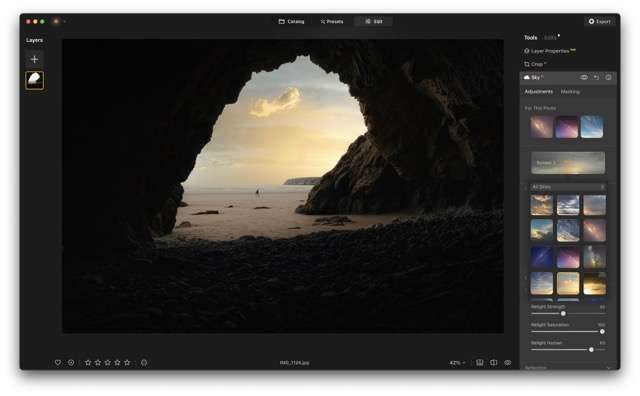
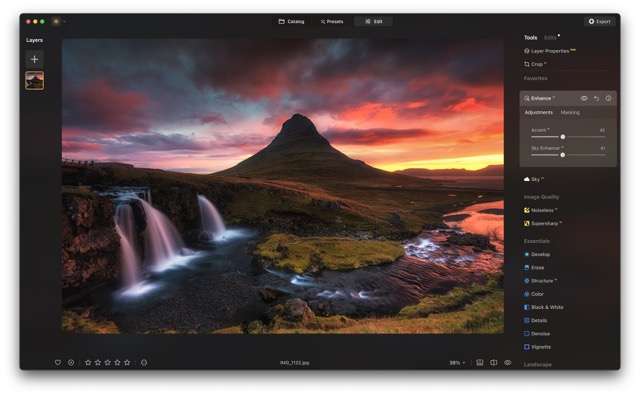
Whether you’re on the go or settled at your main workstation, it’s time to fire up pro-grade photo editing software packed with AI-assisted tools. These aren’t just fancy filters; think of them as your digital darkroom, where precision meets creativity.
Now, let’s unpack the art and science of photo editing. Ever heard photographers throw around the term “bokeh”? Well, this refers to the dreamy, blurred background effect that makes your subject pop—like a portrait where the person is sharp, but the world behind them melts into soft, glowing hues.
Achieving this manually used to require expensive lenses and a PhD in aperture settings (joke), but today’s AI tools can analyze your image, detect depth, and enhance or even simulate bokeh in seconds. And that’s just the start.
From color grading to noise reduction, editing is where raw snaps transform into polished stories. Ready to see how it all comes together?
Get Photo Editing Software Discount: Huge 75% Discount on Luminar Neo Photo Editing.
RELATED CONTENT

Proudly powered by WordPress
Disclosure: The SoftwareFolder acknowledges apps and resources
featured across our site. Some entries include special referral links
(marked with our identifier). If you make a qualifying purchase through
these links, we may earn a small commission at no extra cost to you.
This financial support is crucial—it allows us to continue providing valuable,
free content while maintaining our editorial integrity.
Thank you for supporting SoftwareFolder!
Photo Editing Software Discount
- portrait retouching for professionals.
- photo editing for versatile workflows.
- on-the-go AI editing for Apple devices.